Salon Manager email Set-up on Phone
Apple iOS
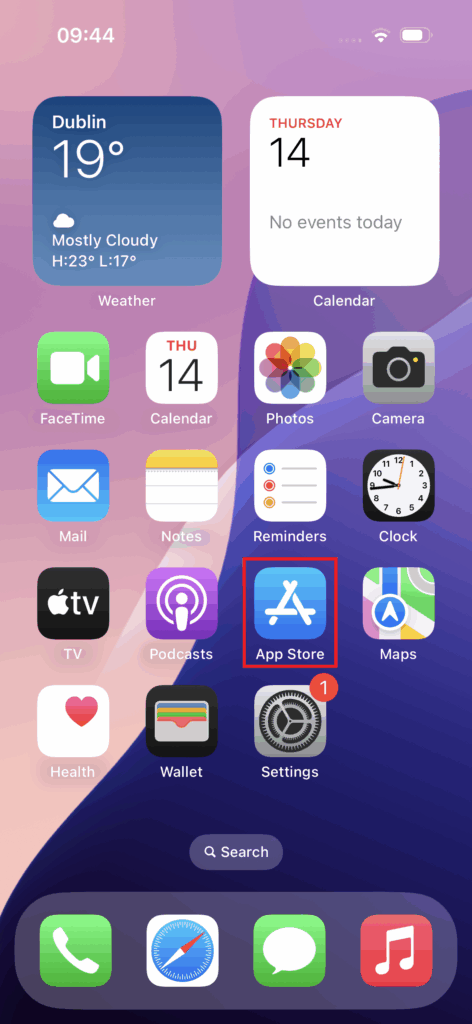
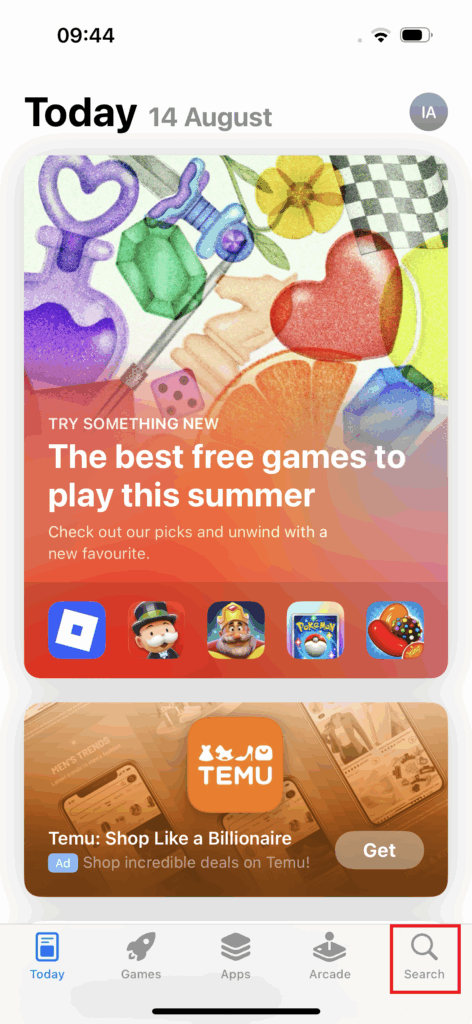
Step 1 – Download Outlook App
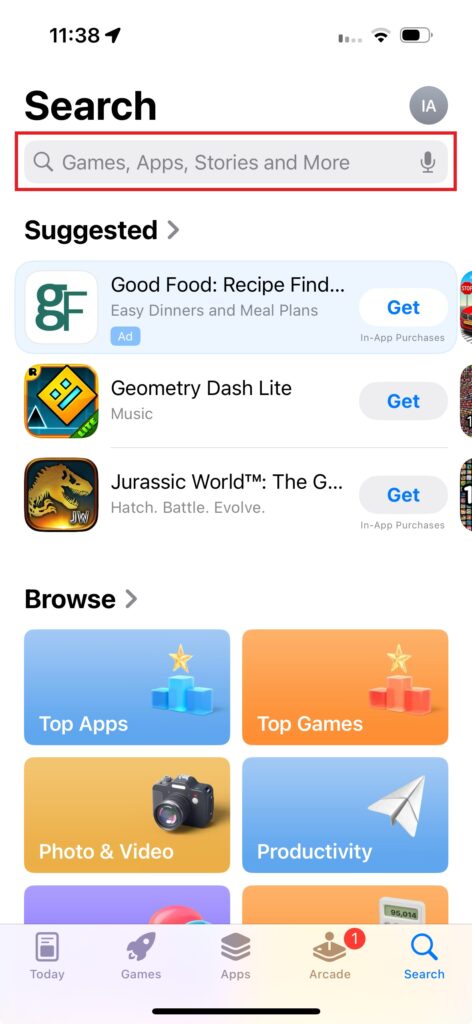
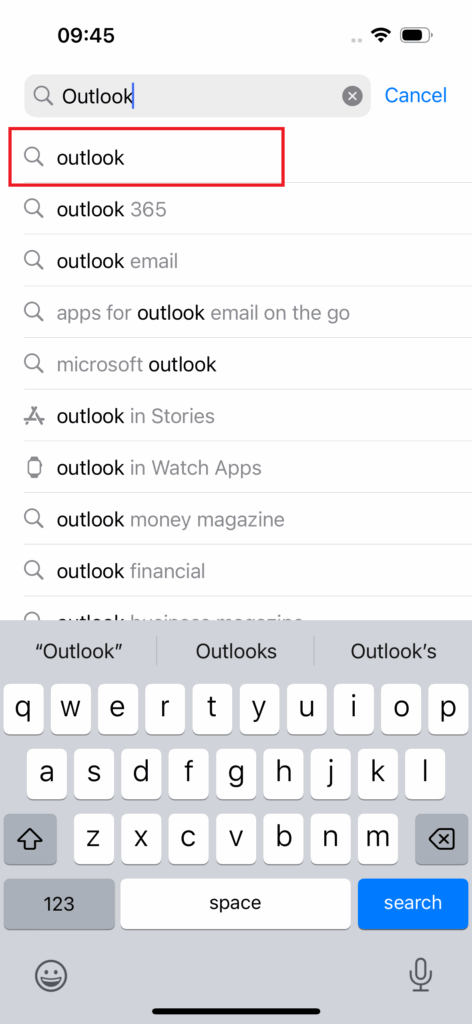
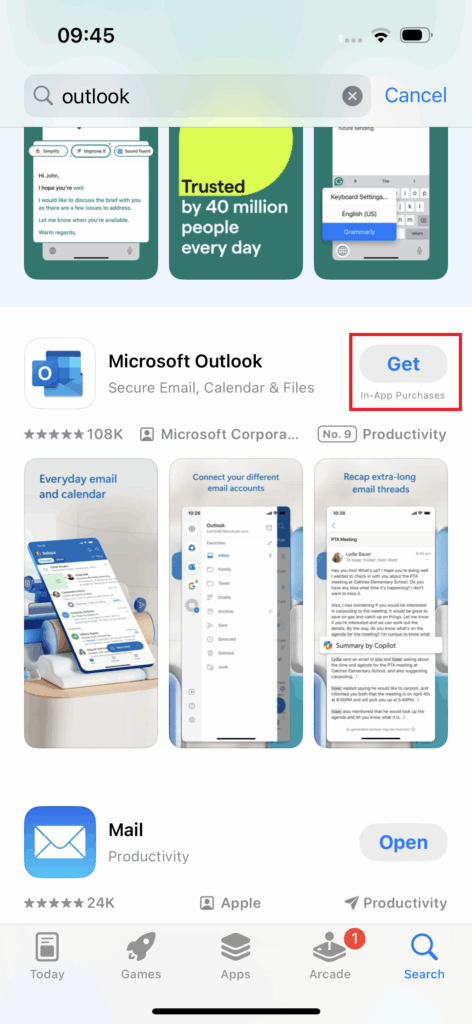
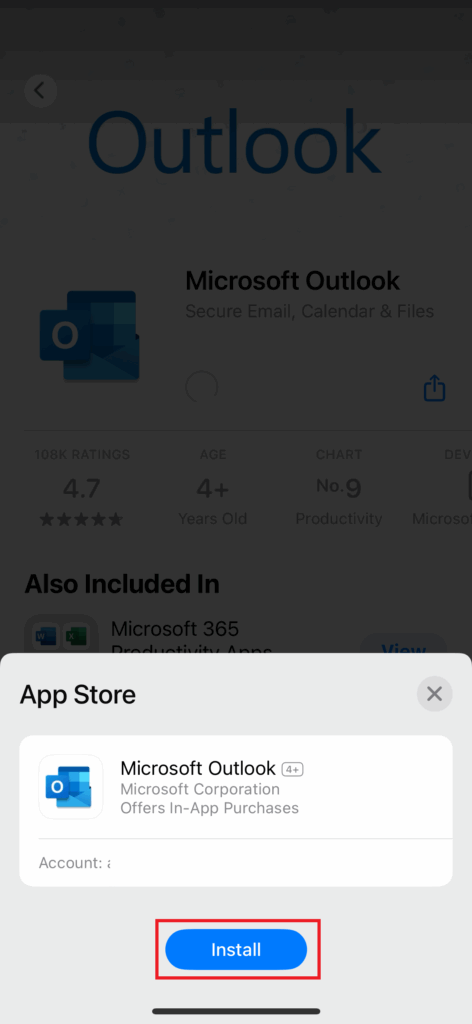
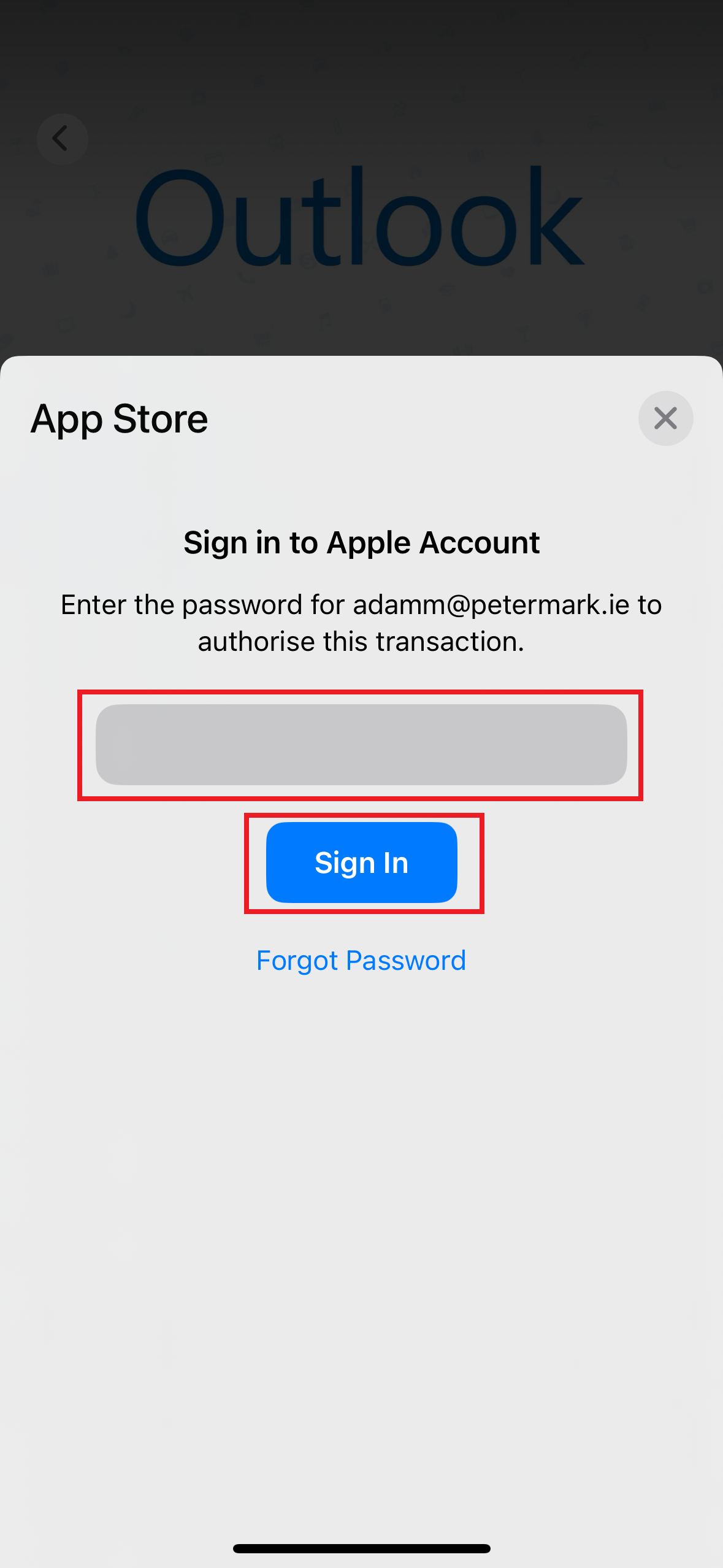
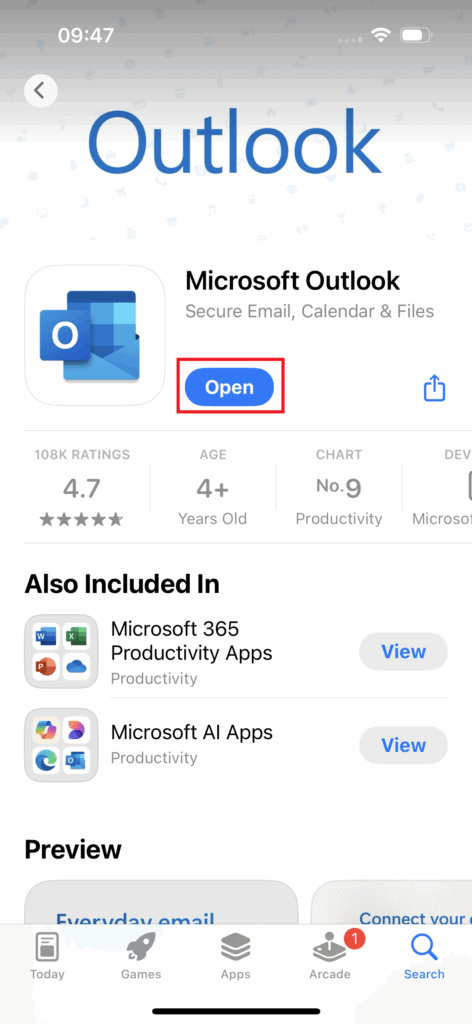
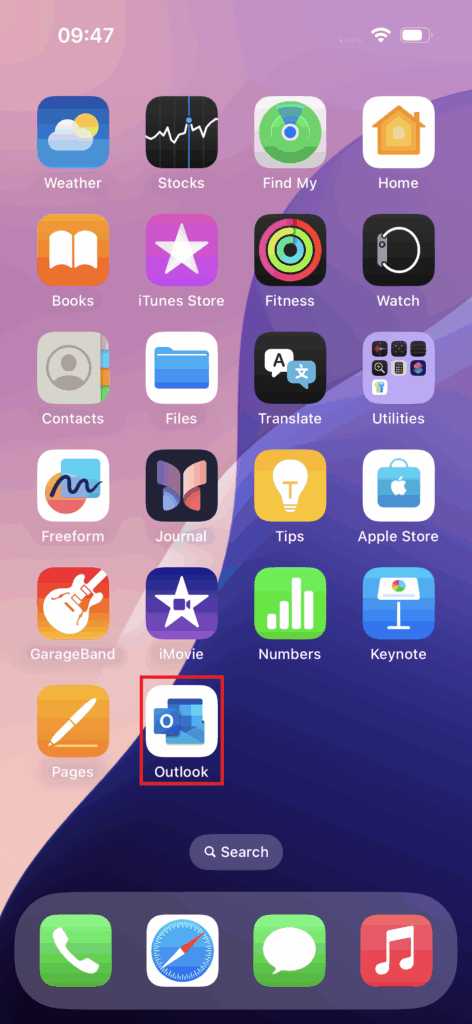
Step 2 – Sign-in to manager***@petemark.ie
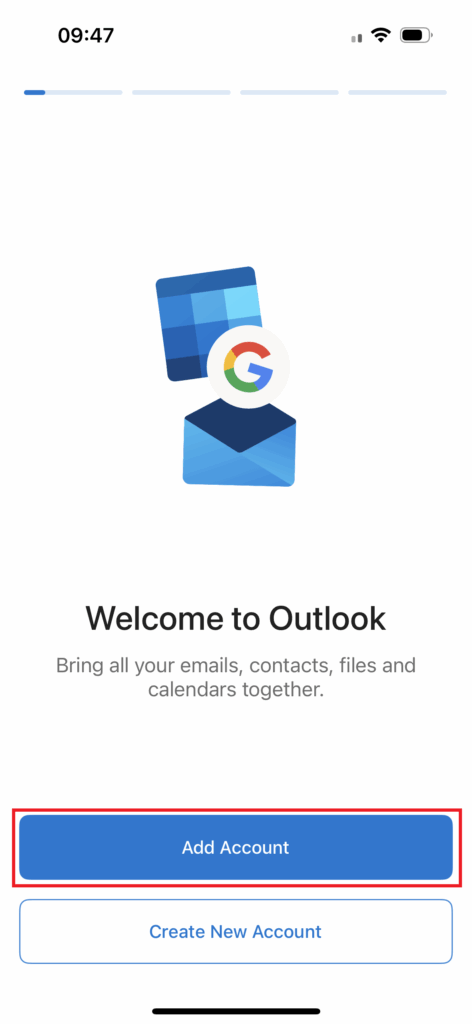
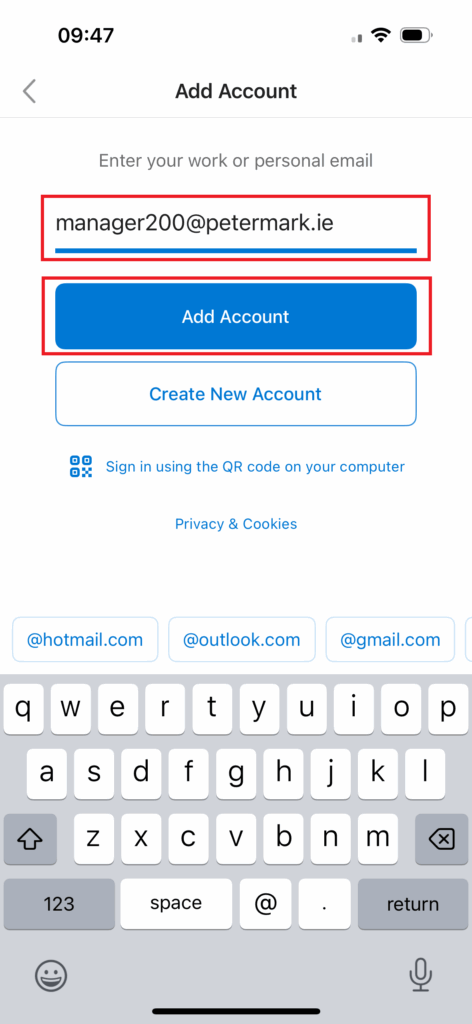
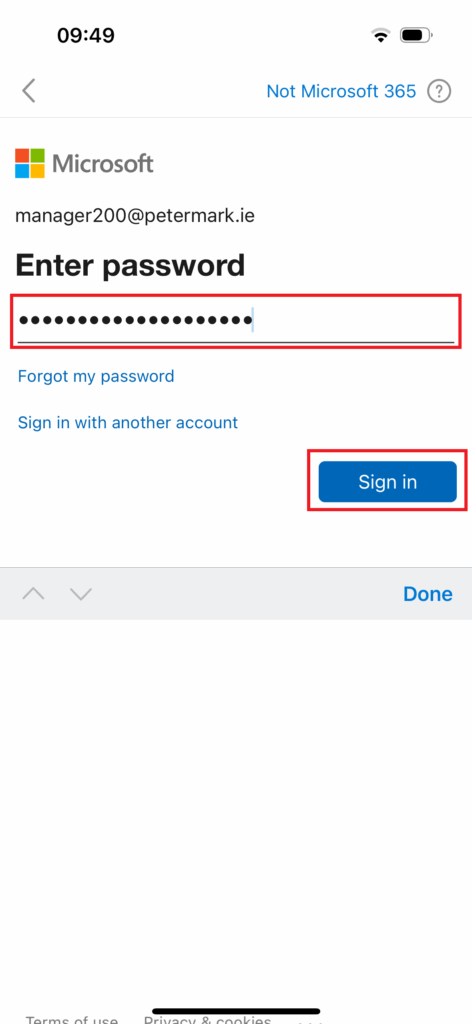
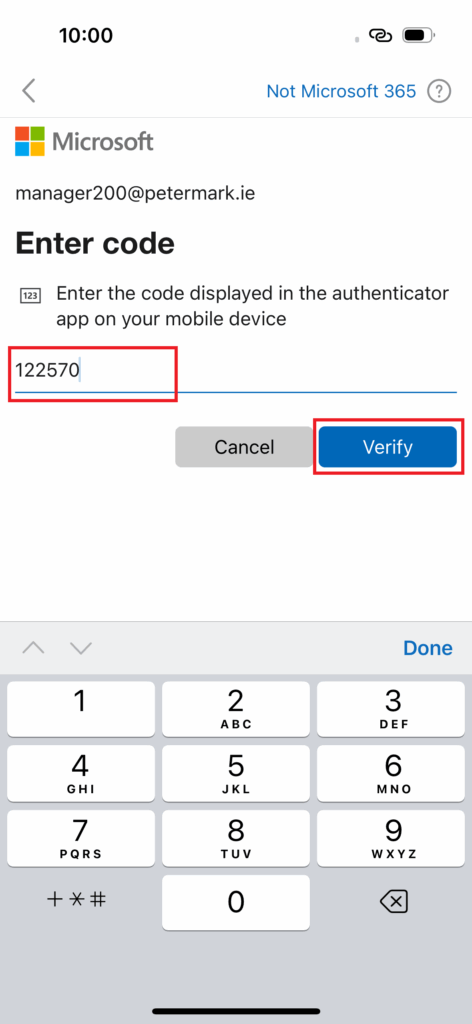
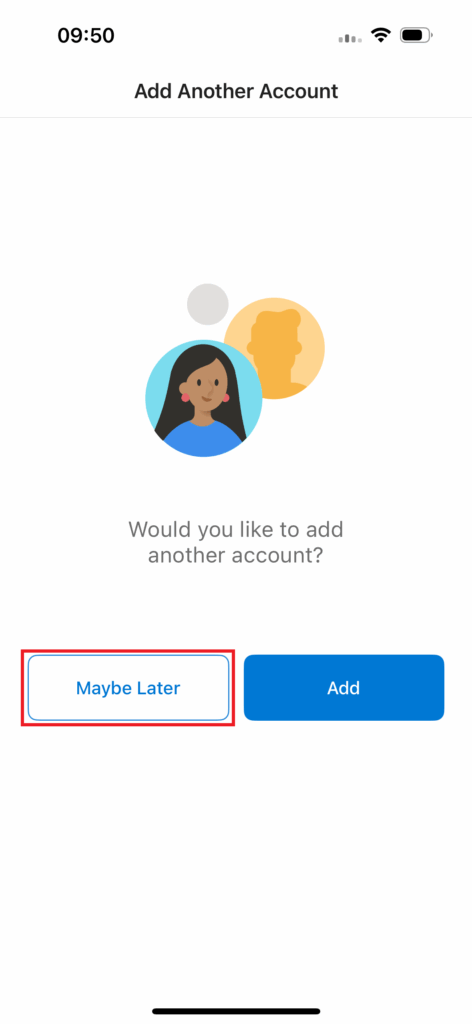
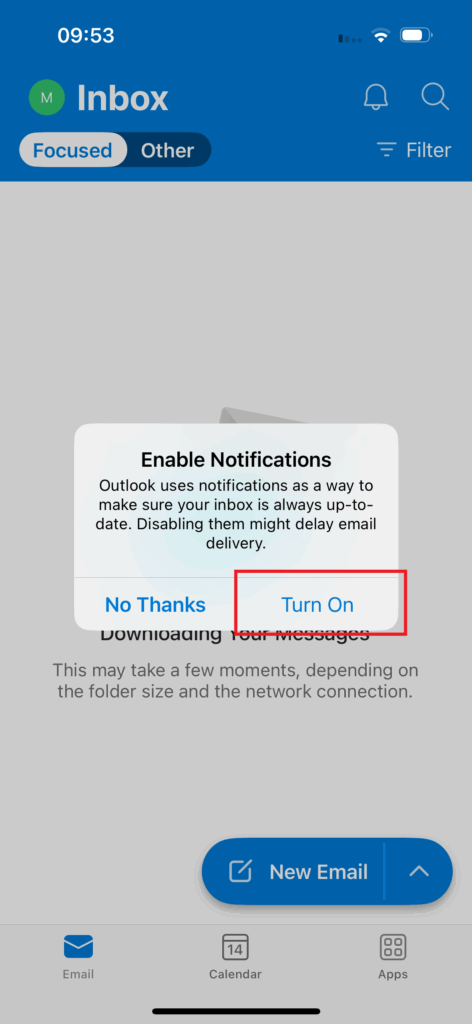
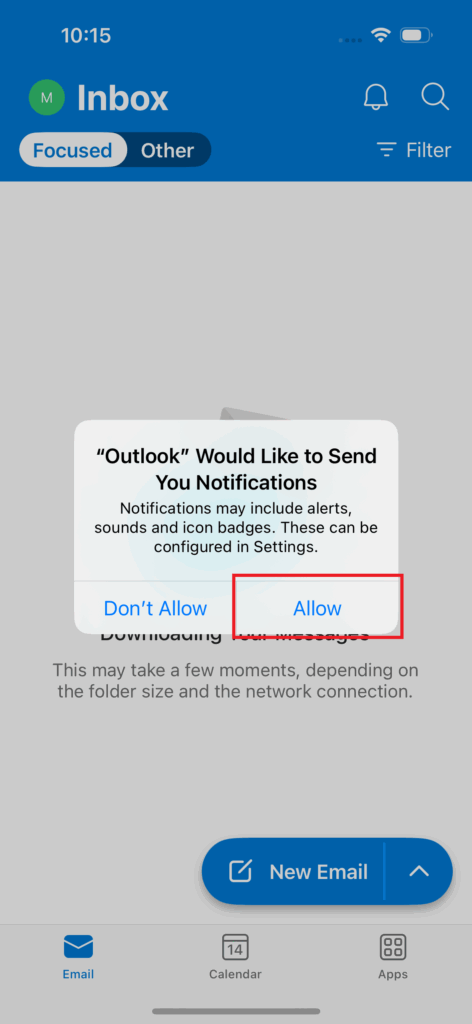
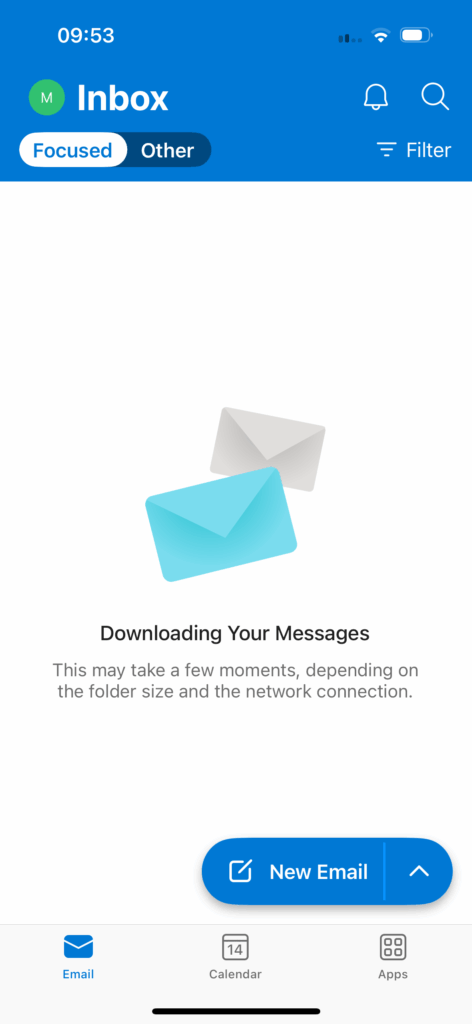
Step 3 – Add delegated salon***@petermark.ie email access (*Optional*)
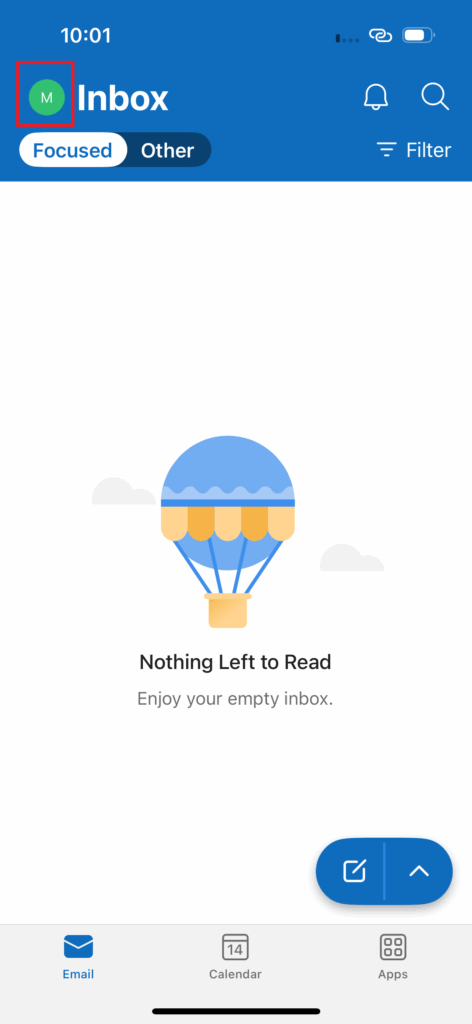
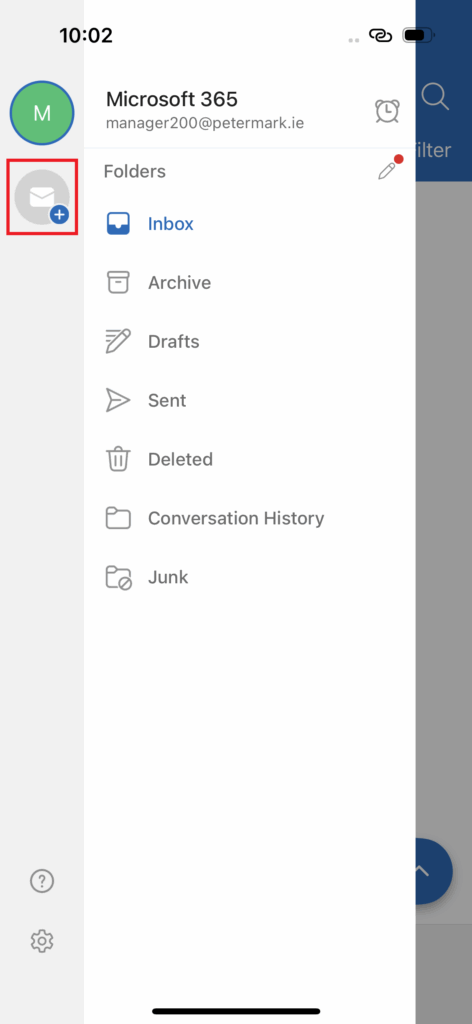
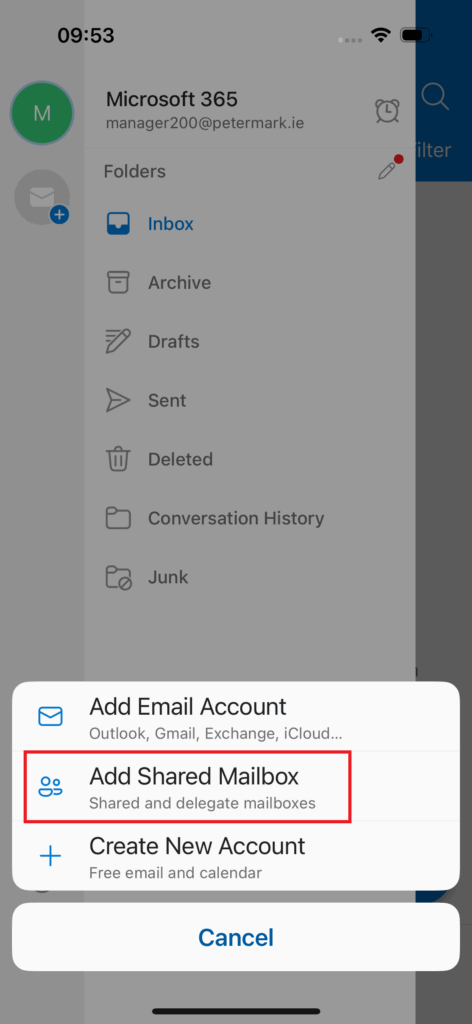
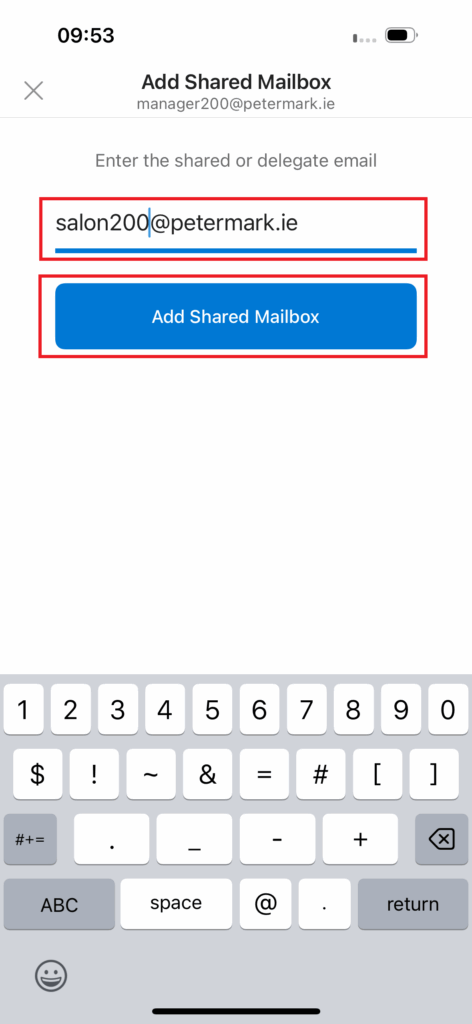
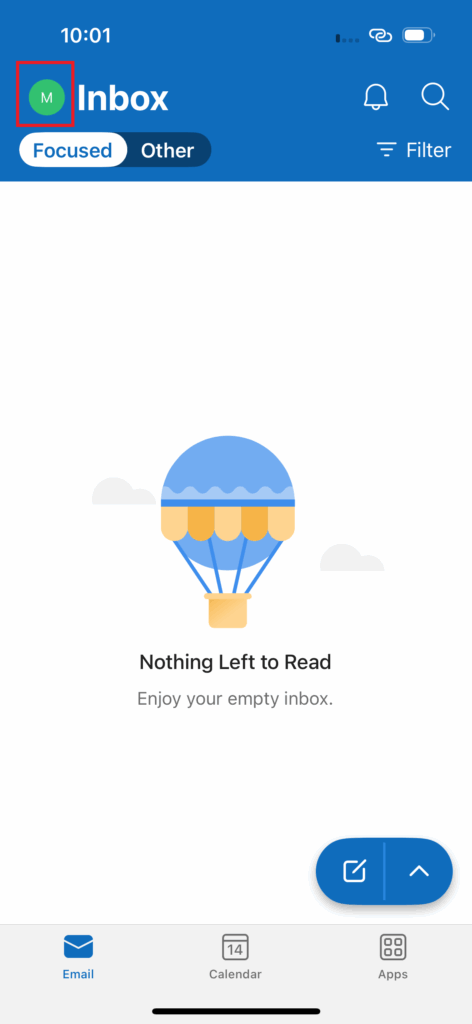
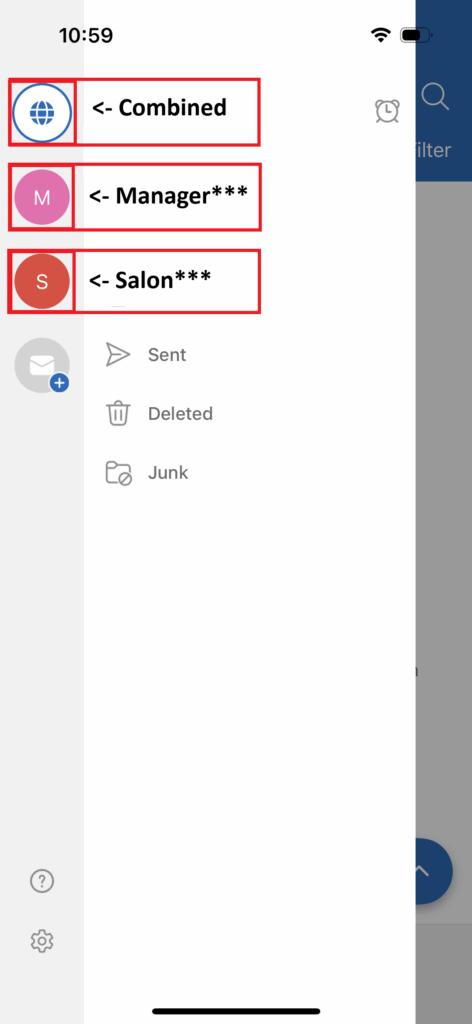
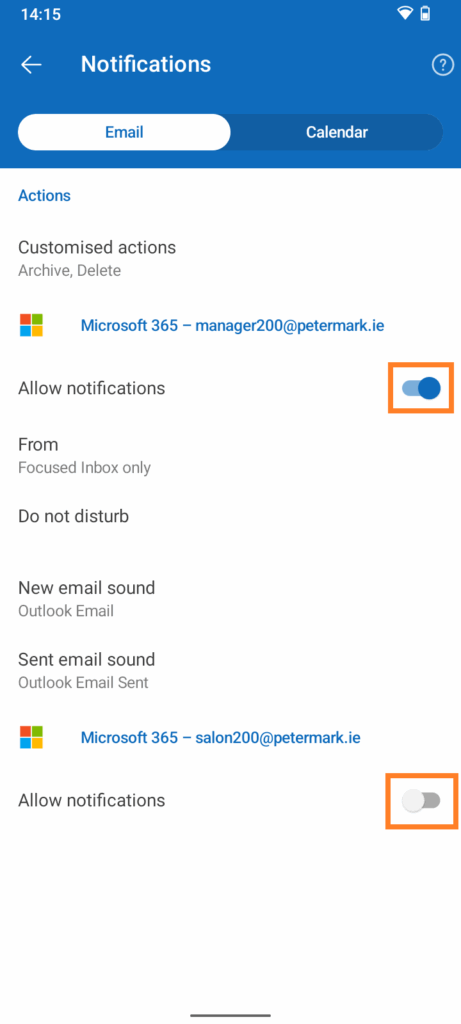
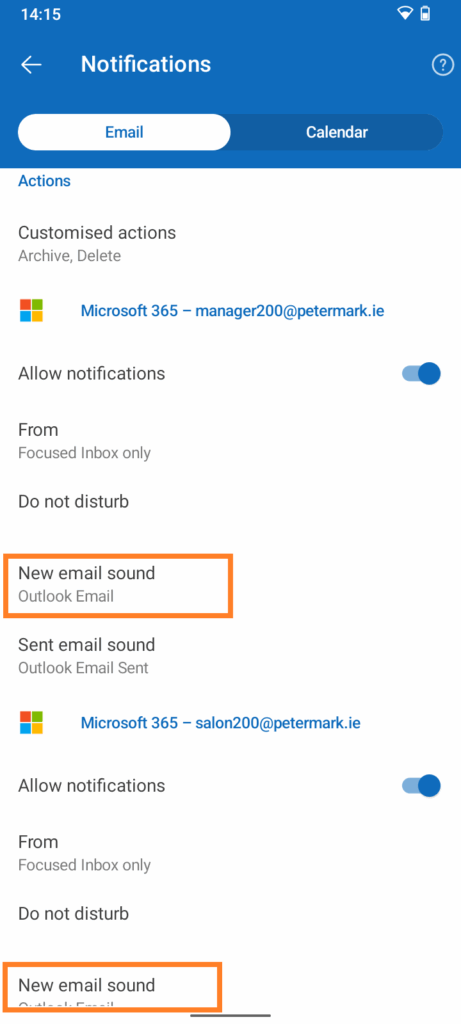
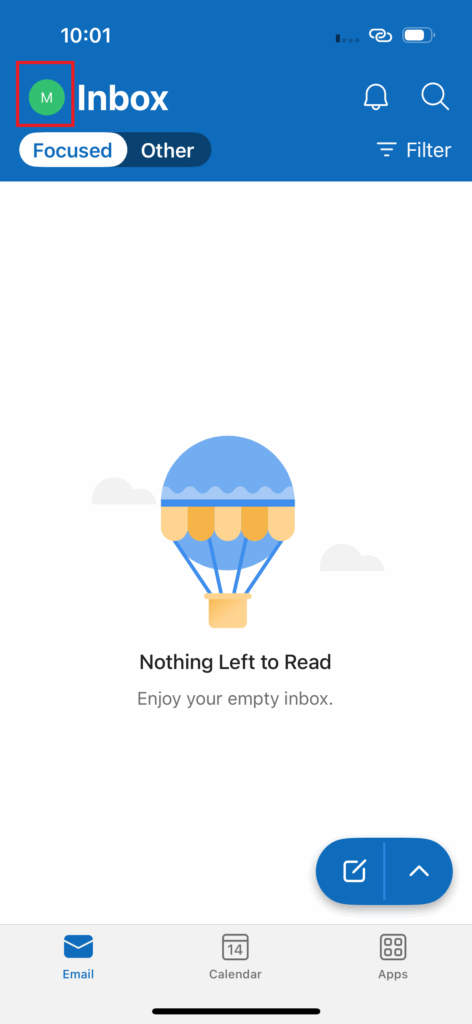
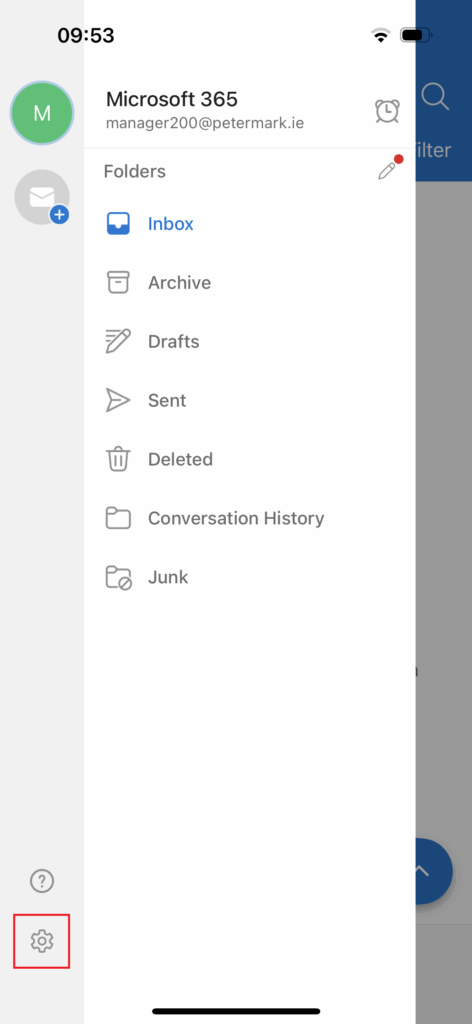
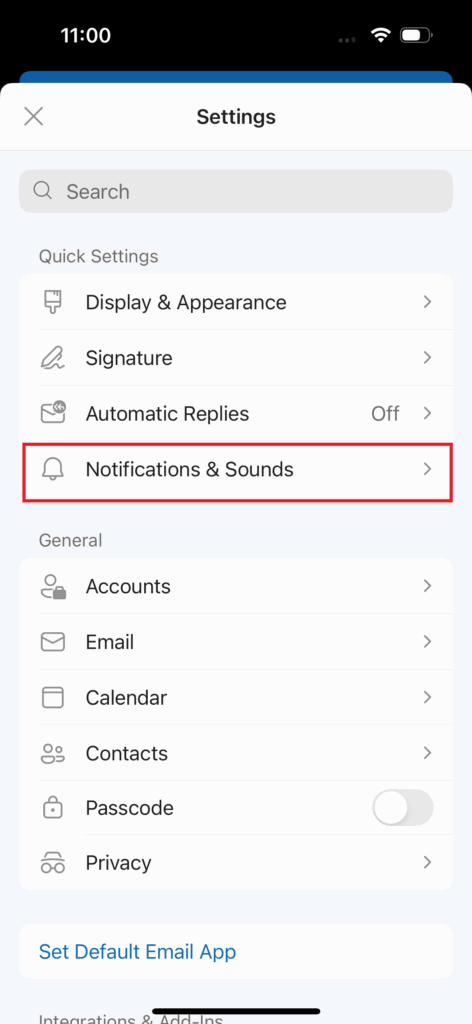
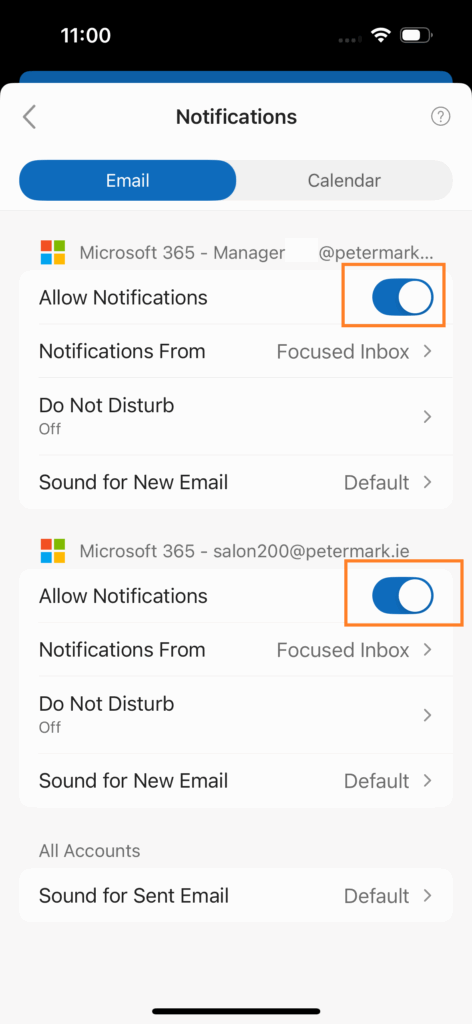
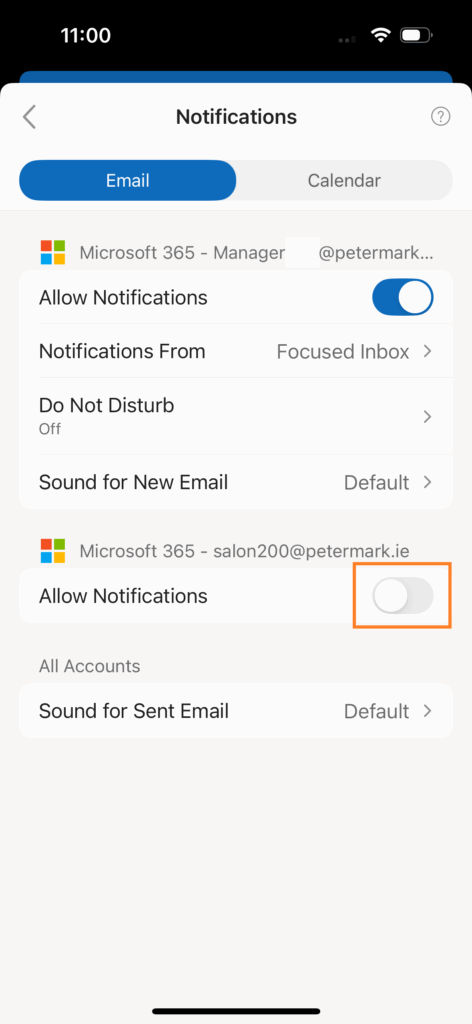
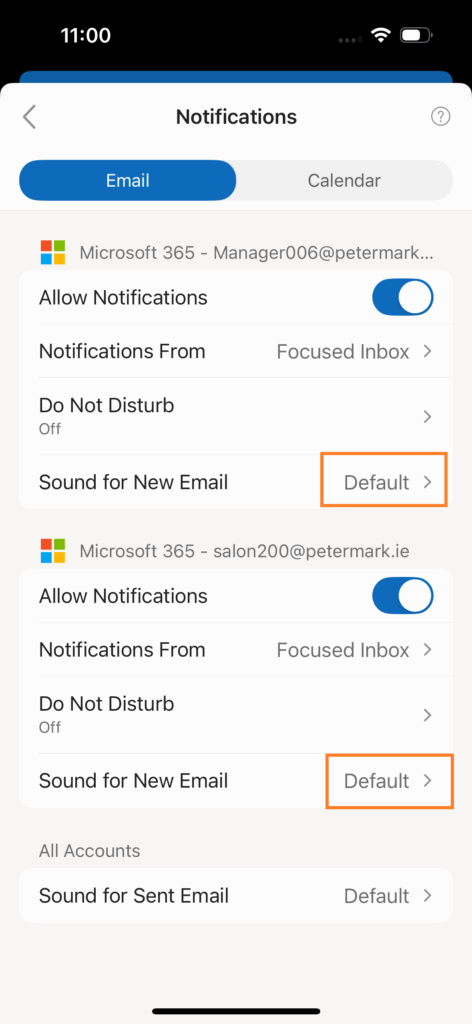
Step 4 – Notification Settings (*Optional*)
Android OS
Note on using Personal Android phone for Managers email access.
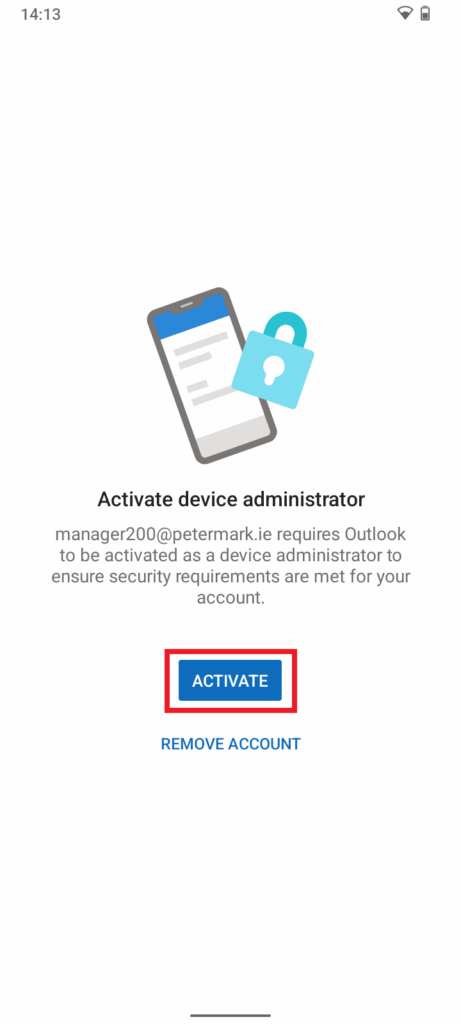
If you are using your personal Android phone to access the Manager email mailbox via the Outlook app, please be aware of the following security requirement:
- You must have a lock screen (PIN or Password) enabled on your phone.
- If the incorrect lock screen code is entered 15 times or more in a row, the device will automatically perform a factory reset. This means all data on the device will be erased (apps, photos, files, etc.).
This security policy is enforced automatically by Microsoft 365 when Outlook is installed and configured for work email on Android devices.
If you do not wish to accept this requirement on your personal phone, you can simply uninstall the Outlook app. Once removed, this policy will no longer apply to your device.
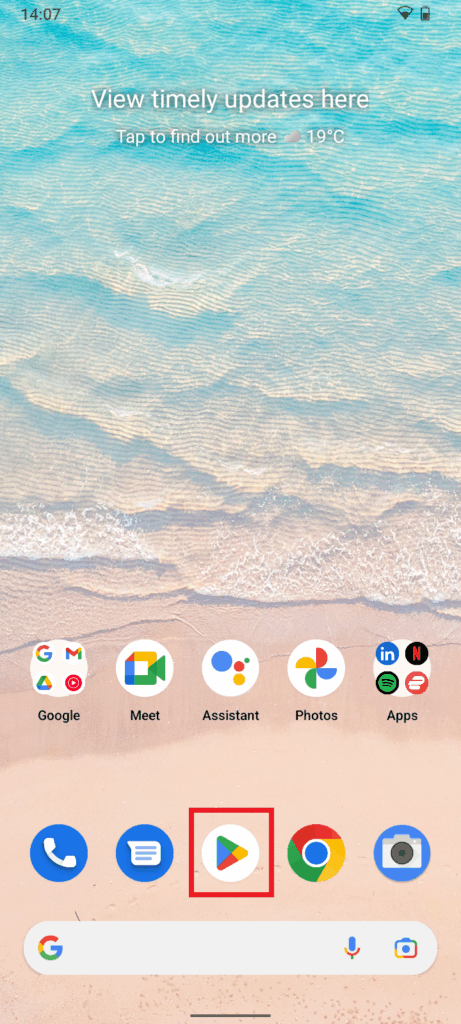
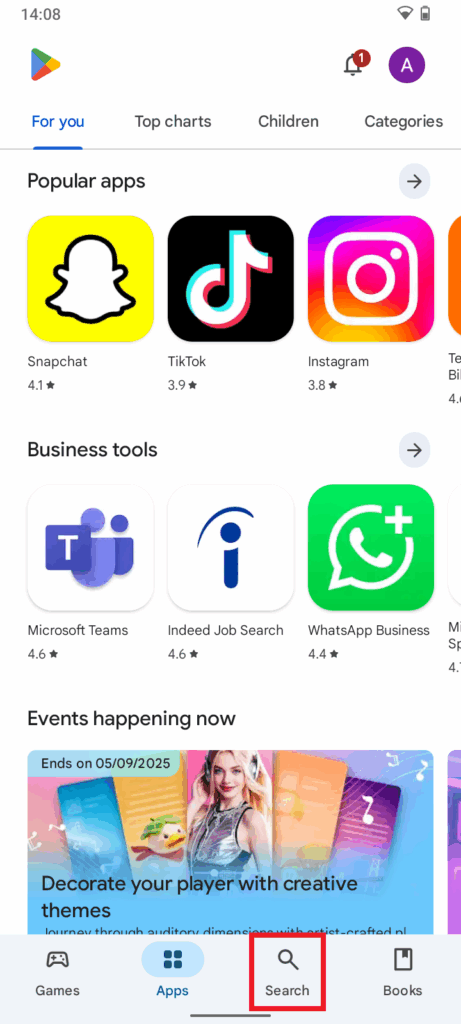
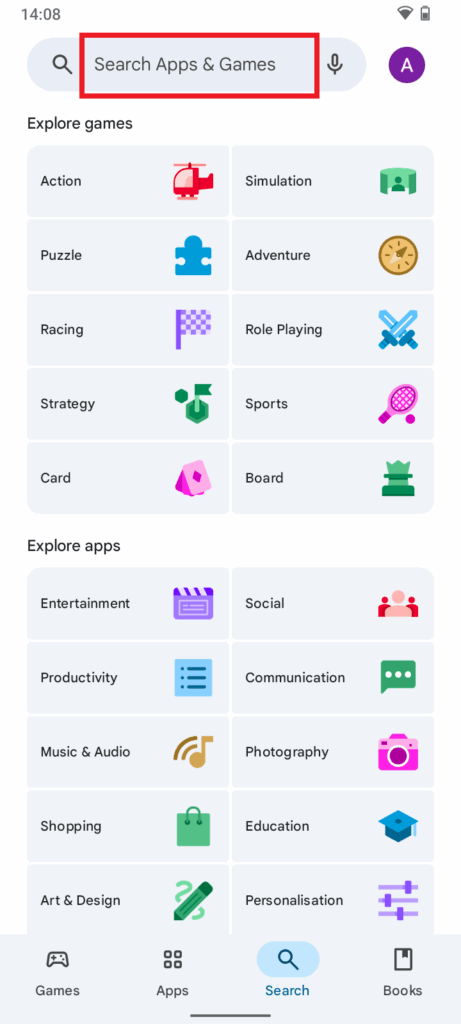
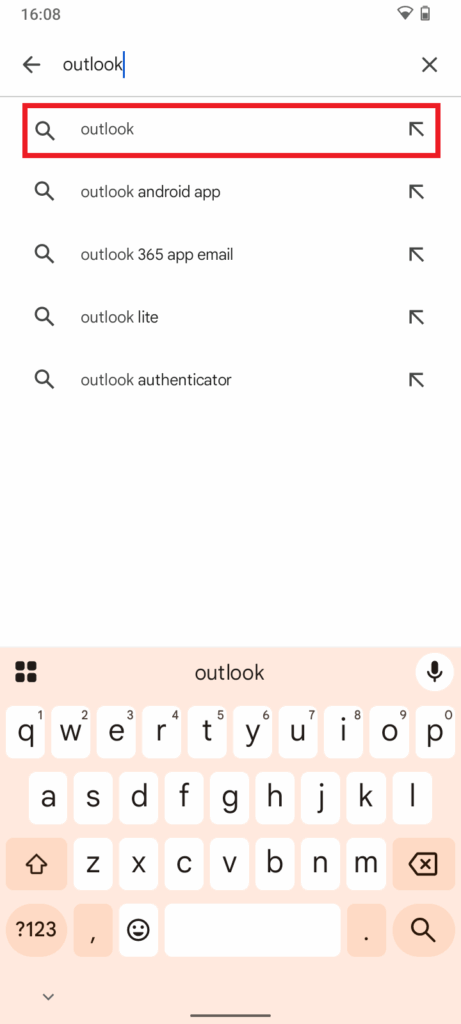
Step 1 – Download Outlook App
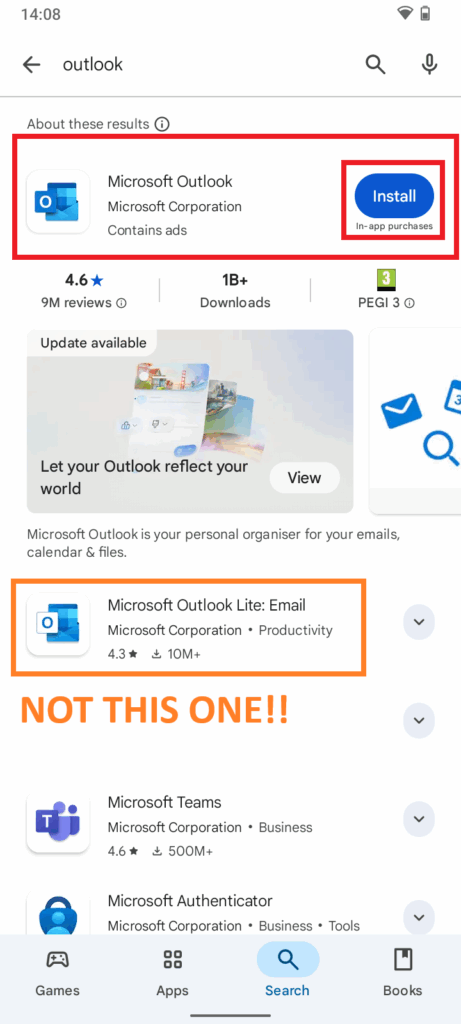
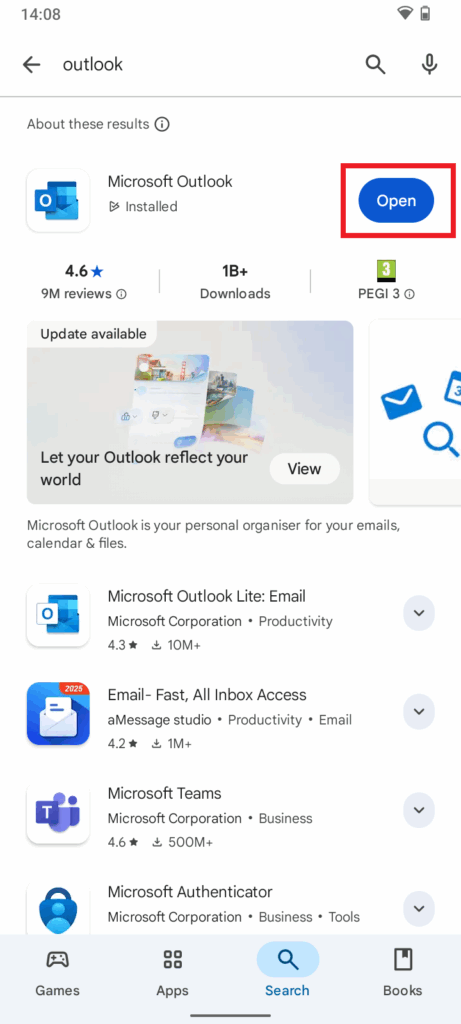
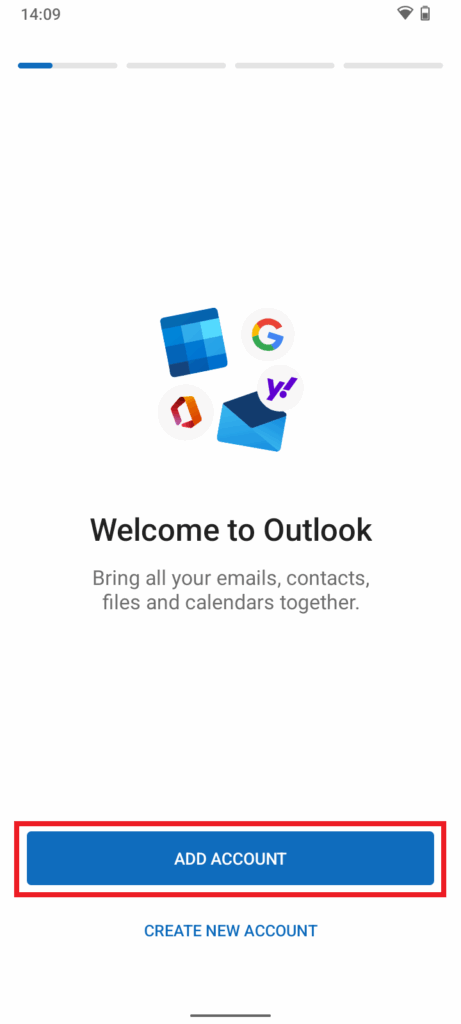
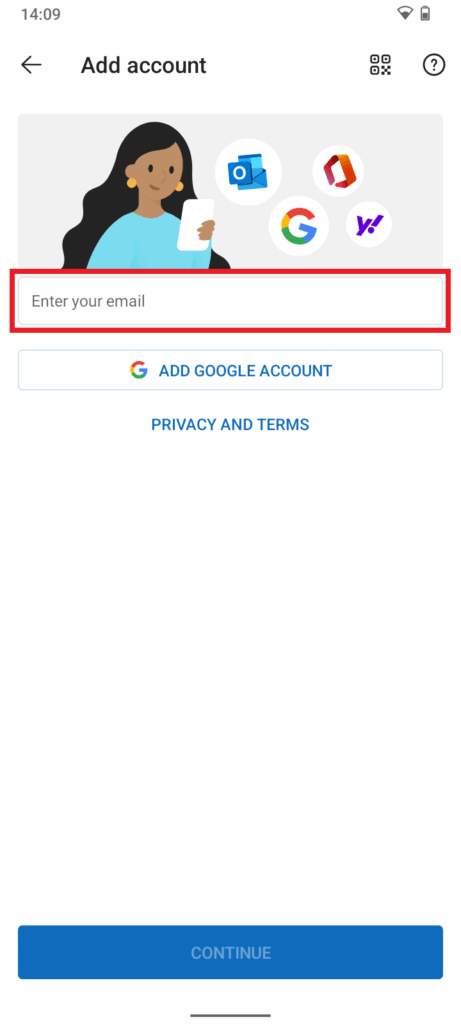
Step 2 – Sign-in to manager***@petemark.ie
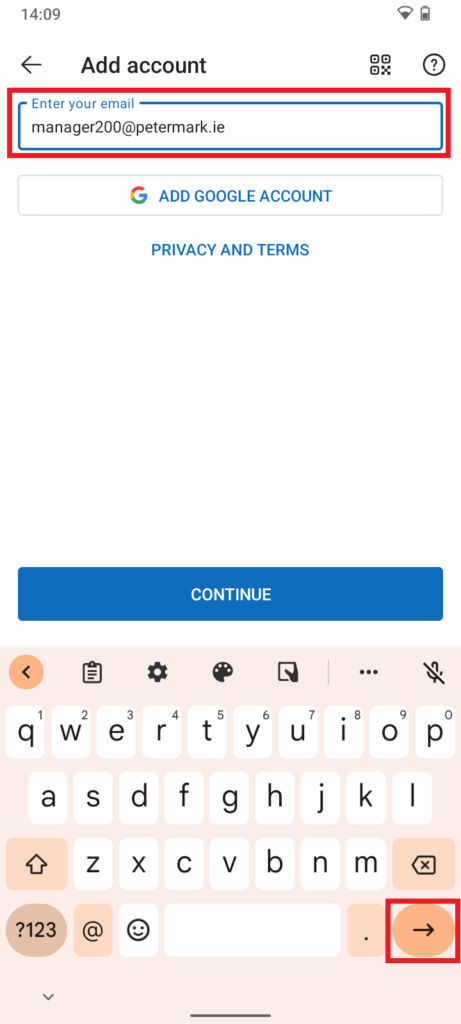
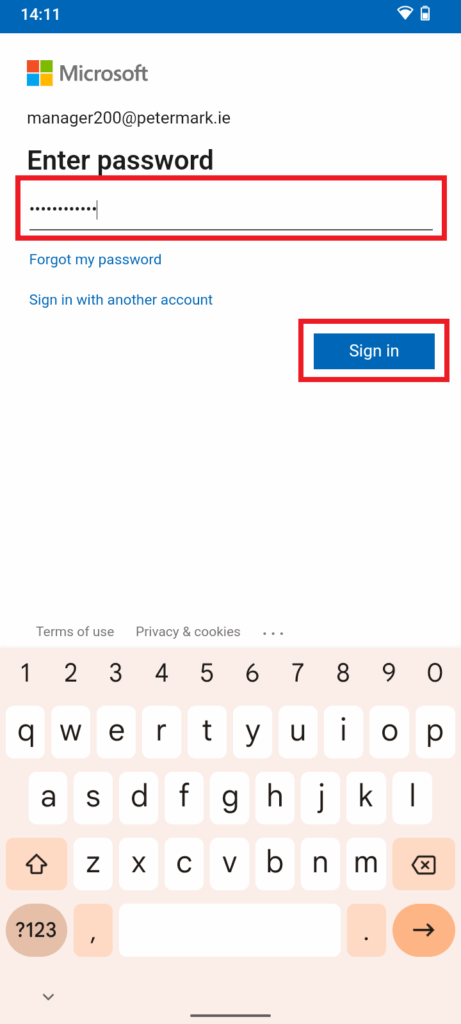
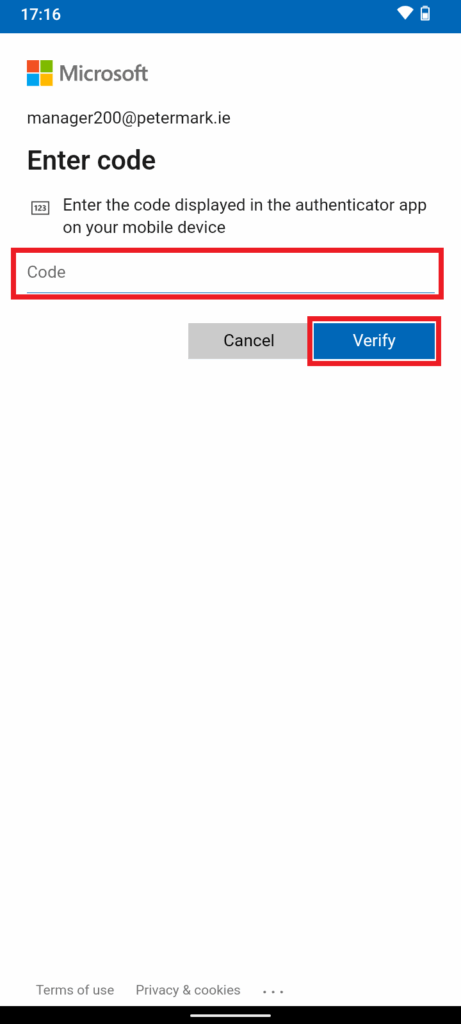
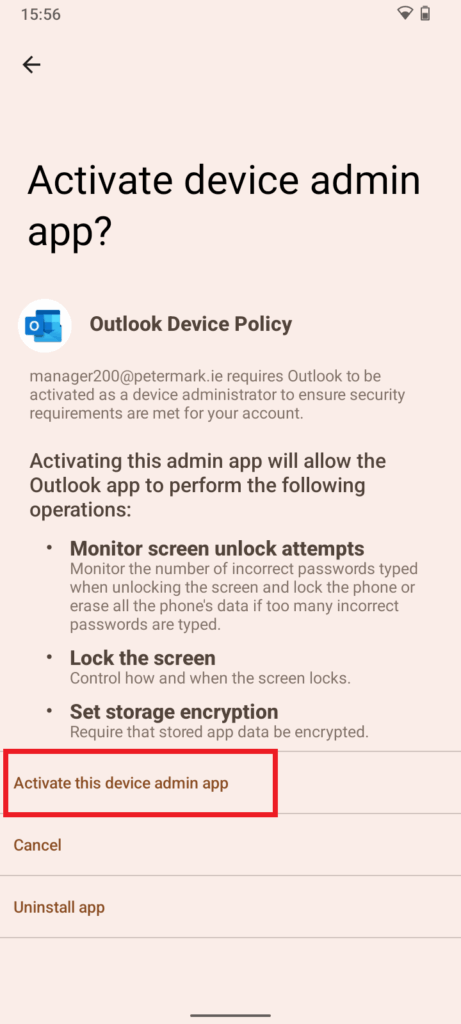
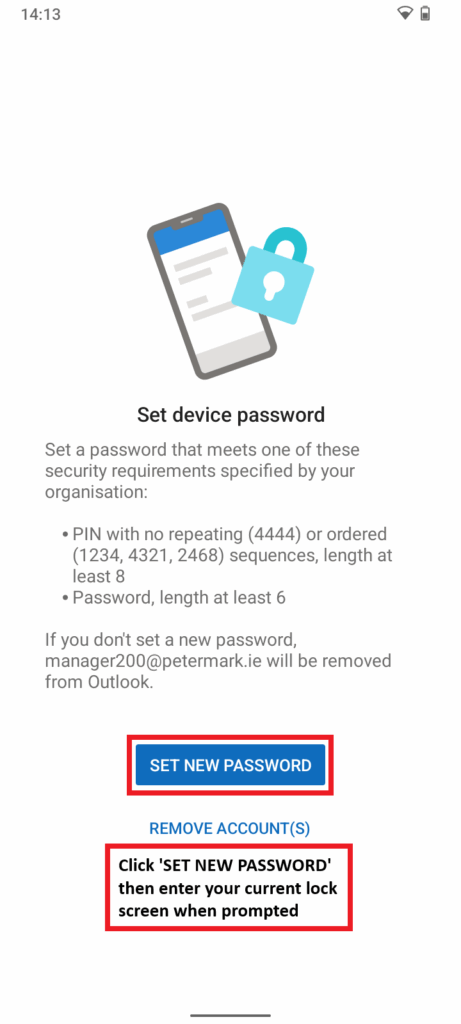
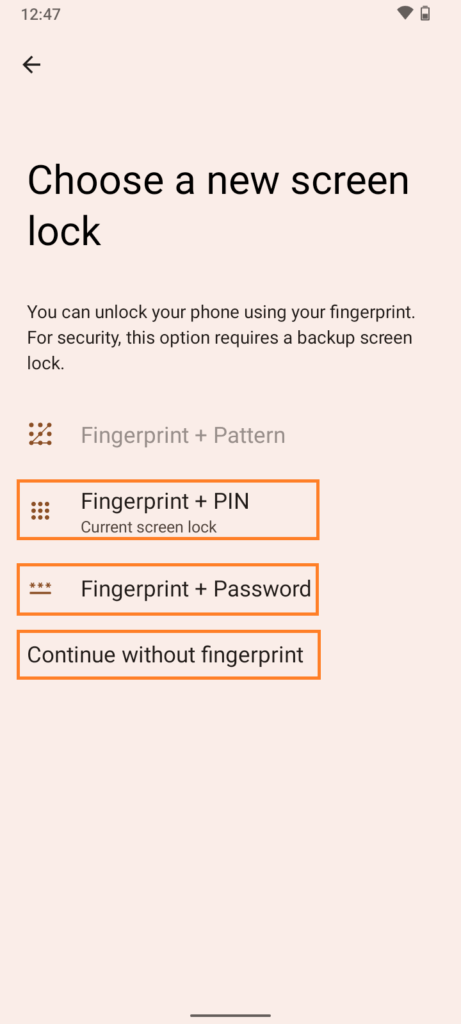
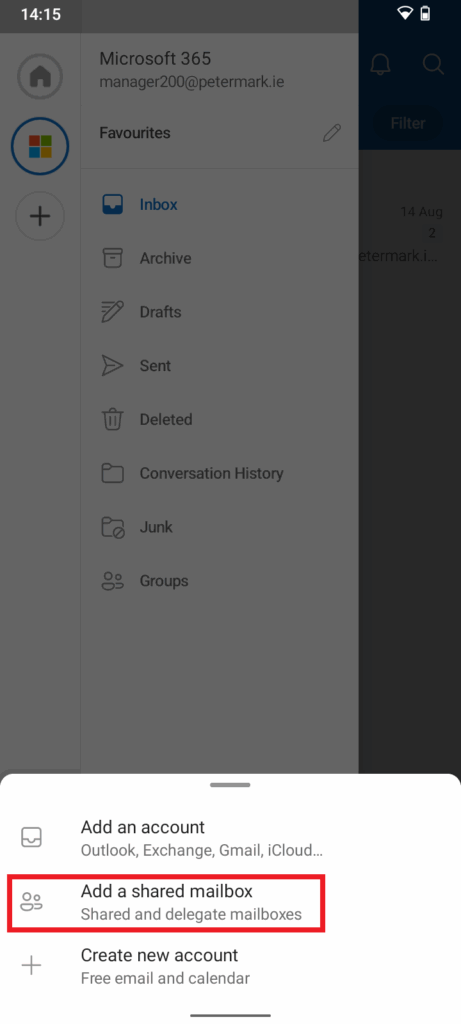
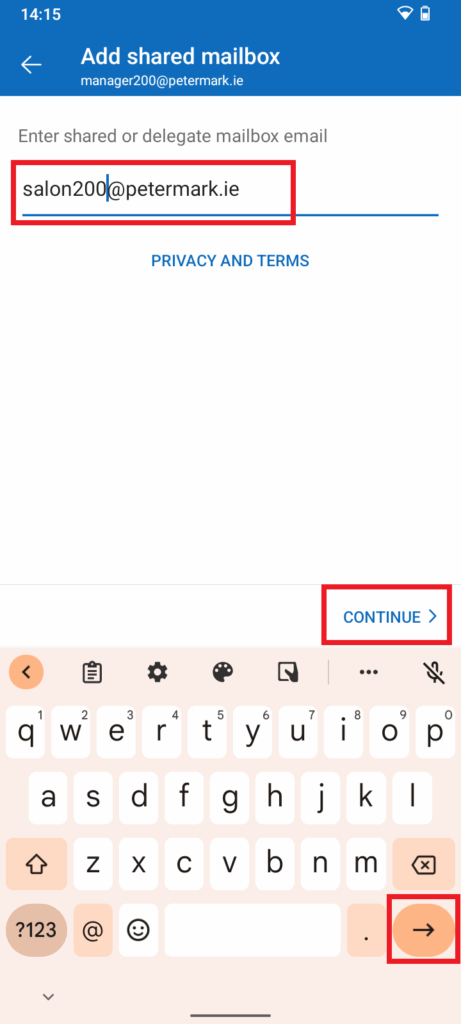
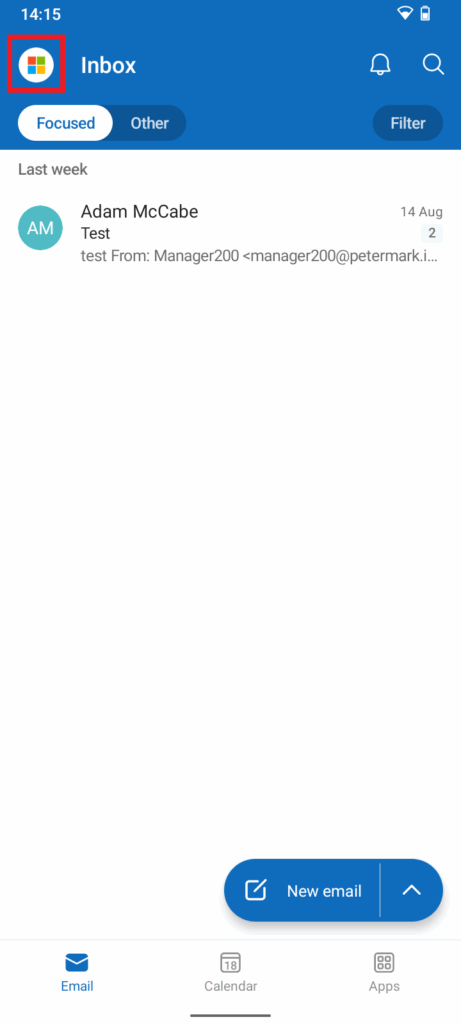
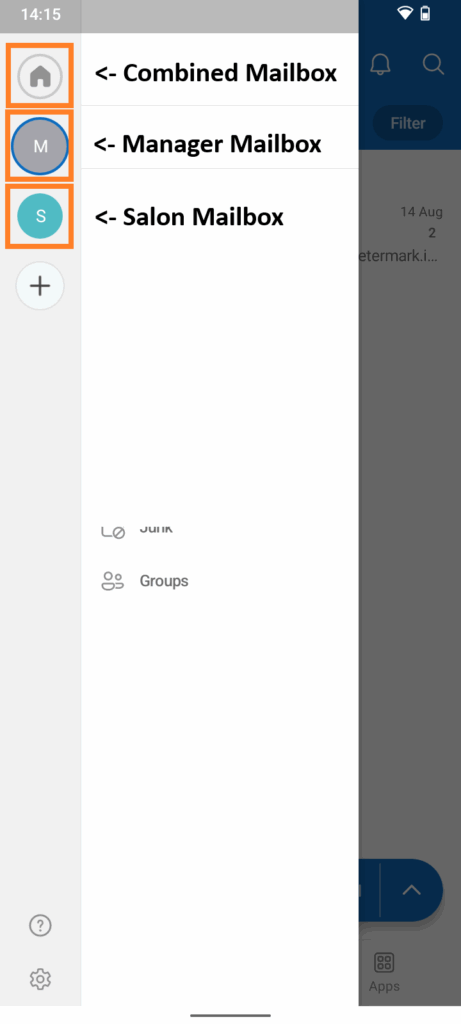
Step 3 – Add delegated salon***@petermark.ie email access (*Optional*)

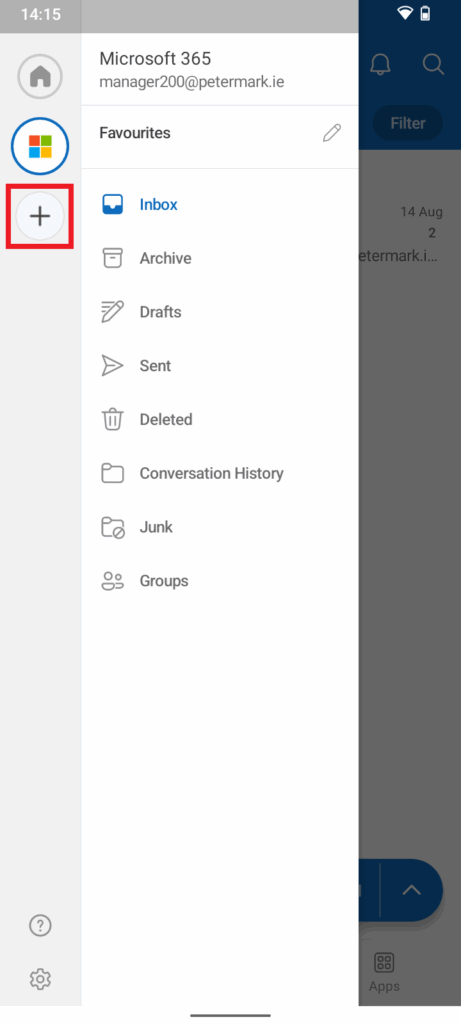
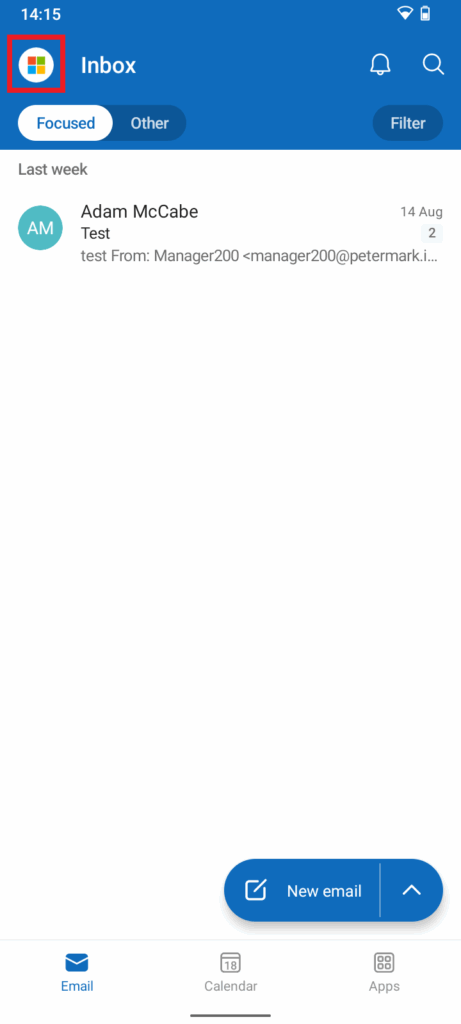
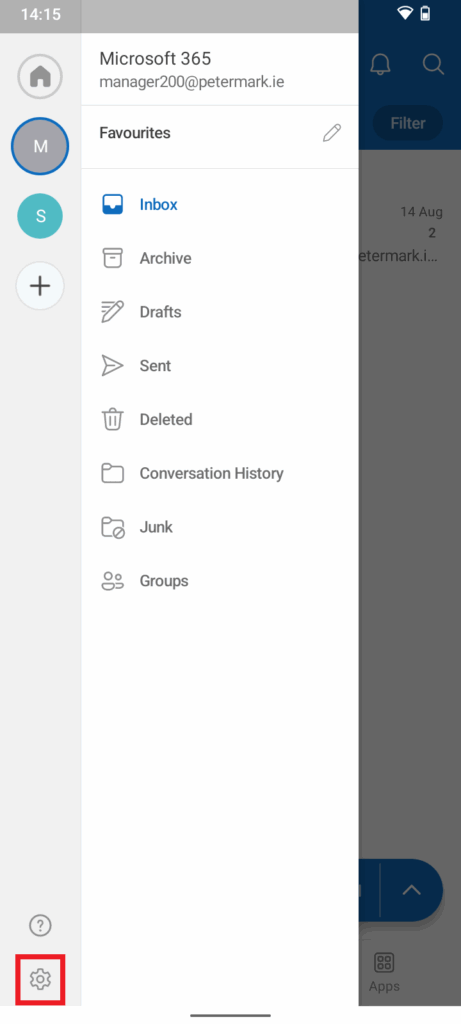
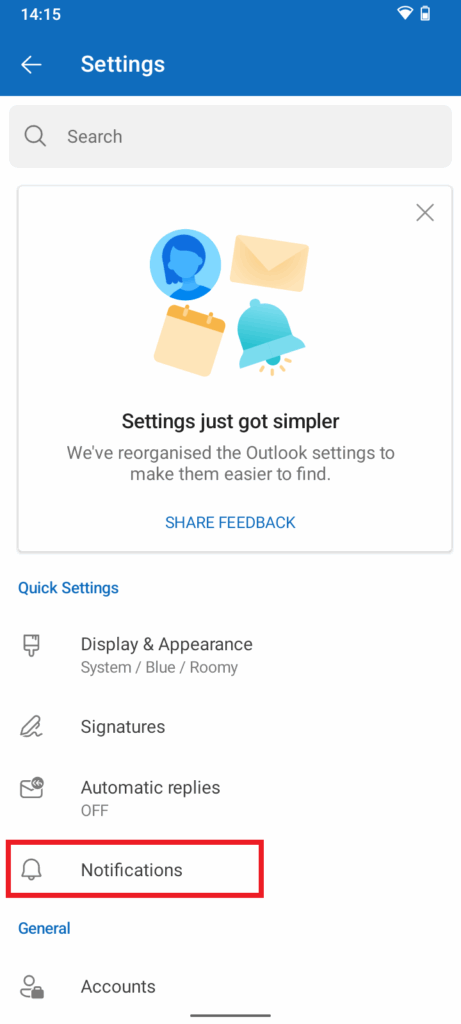
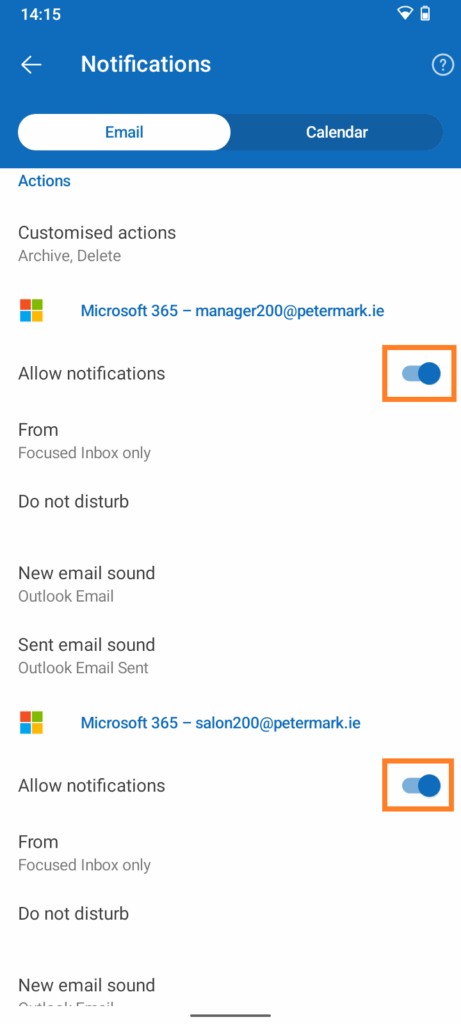
Step 4 – Notification Settings (*Optional*)